


Website Version Update
To update your website version for old buyers, please follow these steps:
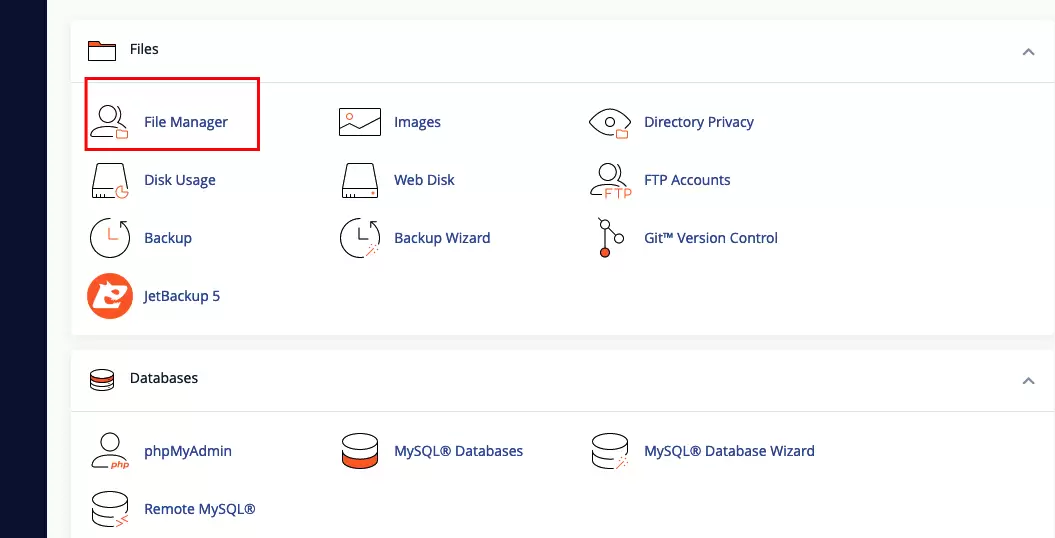
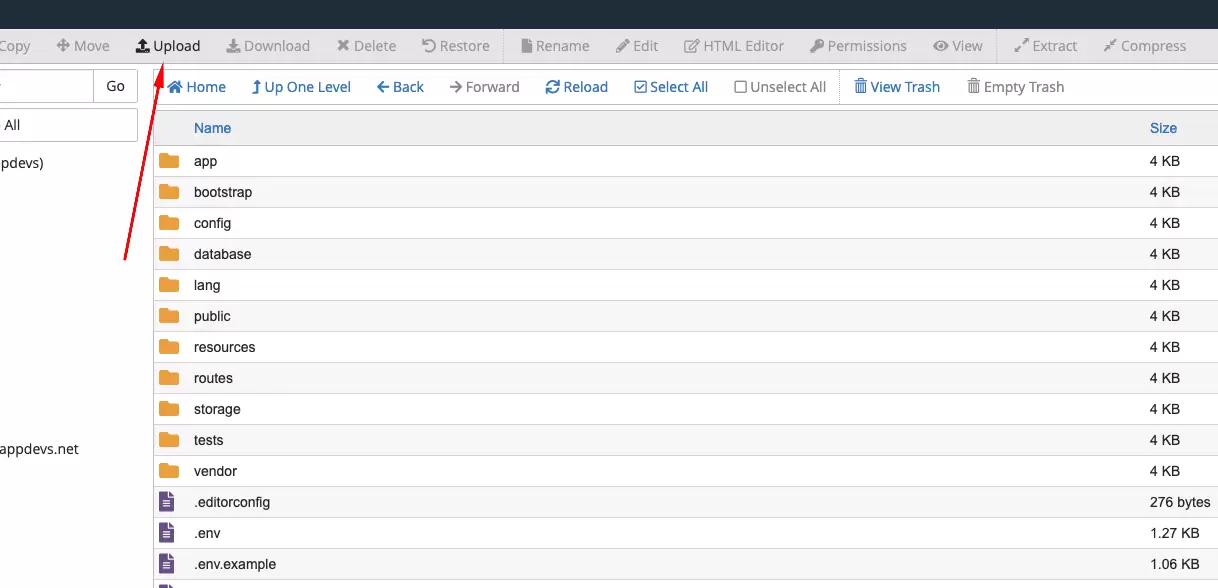
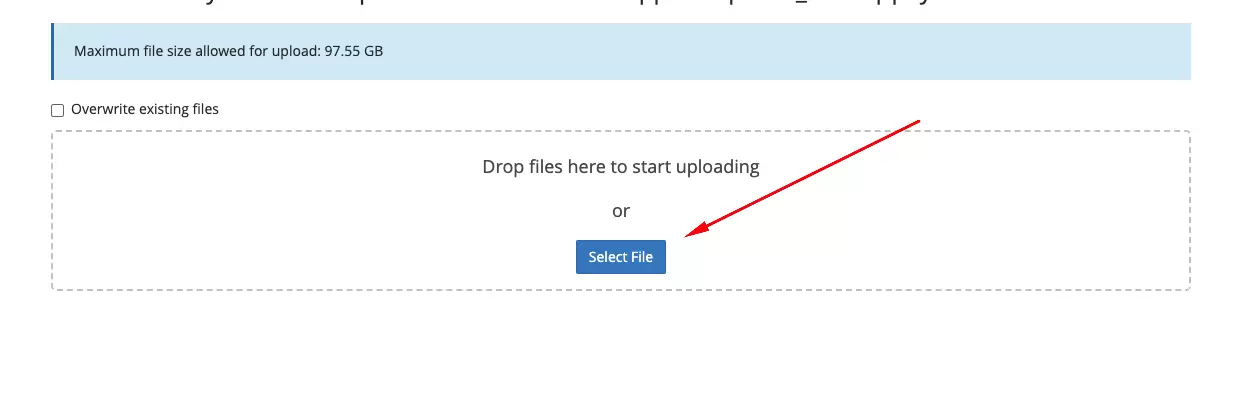
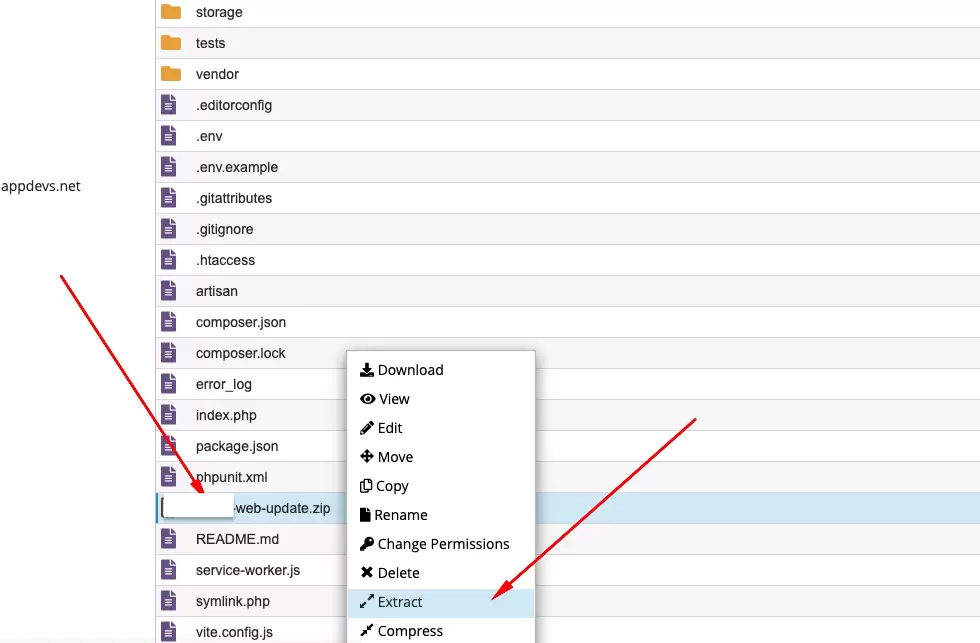
- Step 1: Upload and Extract Update Files
- Re-download the updated code from CodeCanyon.
- Upload the
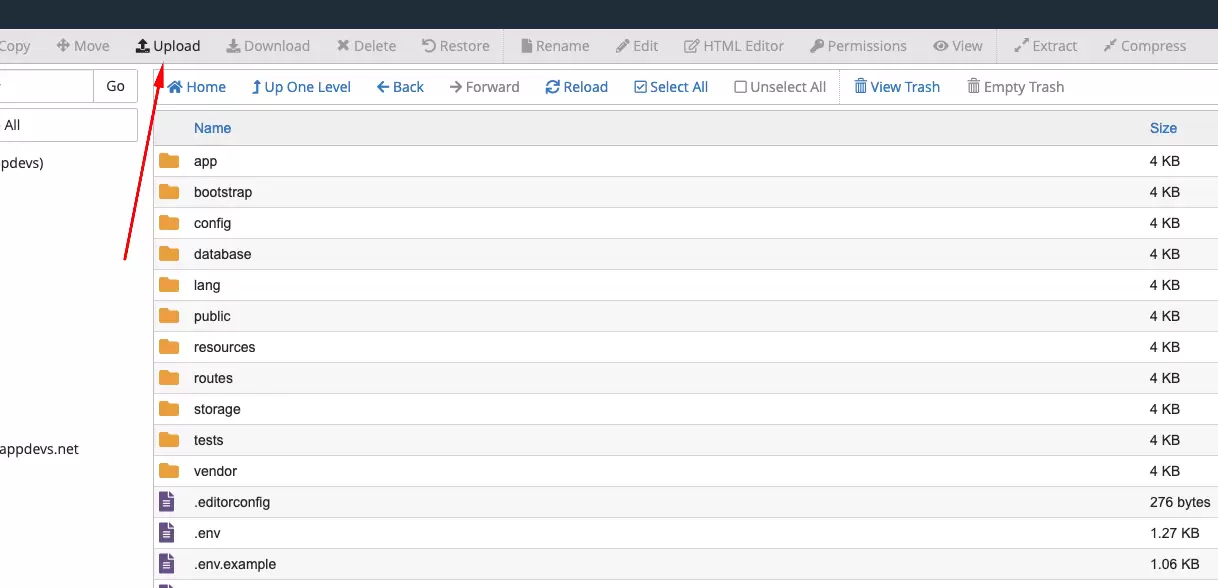
[project name]-web-update-file-[version-to-version]files to your server in the expected directory. - Extract the zip file inside the
public_htmlpath. - Step 2: Execute Update Commands in Terminal
- After uploading and extracting the update files, proceed with the following commands in your terminal:
- Nginx Server Configuration (Important)
If you are using Nginx, make sure the Document Root (entry point) is correctly set.
Correct:
{project_path}/public
/path/to/your/project with the actual path to your project directory.Update from v2.0.0 to v2.1.0 :
composer  update && composer dumpautoload

 php artisan migrate
 php artisan db:seed --class=Database\\Seeders\\Update\\VersionUpdateSeeder
 php artisan storage:link
 php artisan optimize:clear
Update from v1.2.0 to v2.0.0 :
composer  update && composer dumpautoload

php artisan migrate
php artisan db:seed --class=Database\\Seeders\\UpdateFeatureSeeder
php artisan optimize:clear
Update from v1.1.0 to v1.2.0 :
composer  update

php artisan migrate
php artisan db:seed --class=Database\\Seeders\\UpdateFeatureSeeder
php artisan o:c
Update from v1.0.0 to v1.1.0 :
composer  update

php artisan db:seed --class=Database\\Seeders\\UpdateFeatureSeeder
php artisan view:clearConclusion: By following these steps and executing the provided commands, you can successfully update your website version for old buyers. Remember to configure the update files properly before executing the commands to ensure they work as intended. If you encounter any issues, double-check your configurations and seek assistance if needed.